
Download WebData Extractor – Web Scraping, Data Extraction, Online Research Tool
Overview
WebData Extractor is a specialized utility designed to streamline the process of gathering information from websites. Its primary purpose is to enable users to extract various types of digital content—such as text, images, links, and HTML—directly from web pages with minimal effort. The application is particularly useful for individuals engaged in online research, content aggregation, or data collection for personal or professional projects. By organizing extracted data into clearly labeled tabs, it enhances accessibility and reduces the time required to locate specific content types.
The tool addresses common challenges associated with manual data harvesting, such as inefficiency, inconsistency, and high cognitive load. It offers a structured environment where users can manage diverse data formats in one place, making it a valuable asset in digital workflows. While the developer did not provide additional background information, the app’s longevity—first released in 2012—suggests a stable and reliable foundation. This extended presence in the software ecosystem underscores its relevance for users seeking consistent, no-frills data extraction functionality.
Real-world use cases include academic research, competitive analysis, content curation, and digital archiving. The application supports users who need to capture visual and textual content simultaneously, such as for marketing presentations or web design references. Despite being a desktop-oriented tool, its principles of efficiency and low resource usage are highly applicable to mobile workflows, especially when considering cross-device data synchronization. The developer did not specify compatibility with mobile platforms, so its current mobile availability remains unclear.
Key Features & Functionality
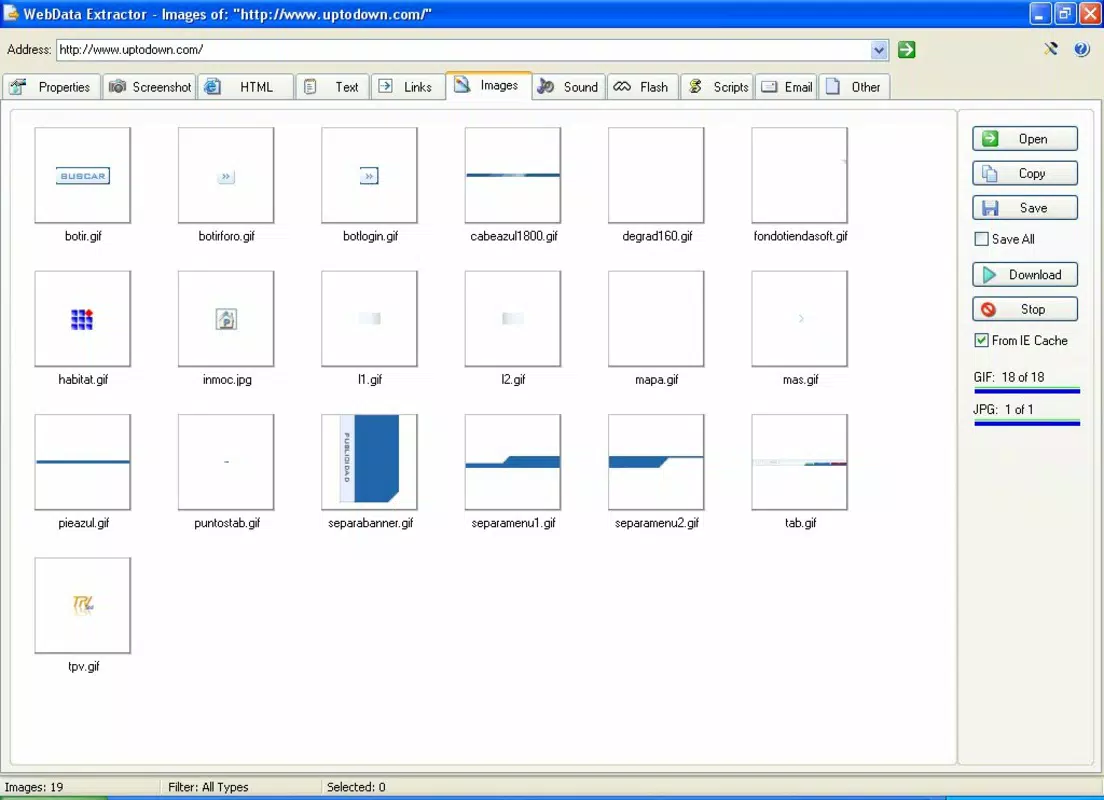
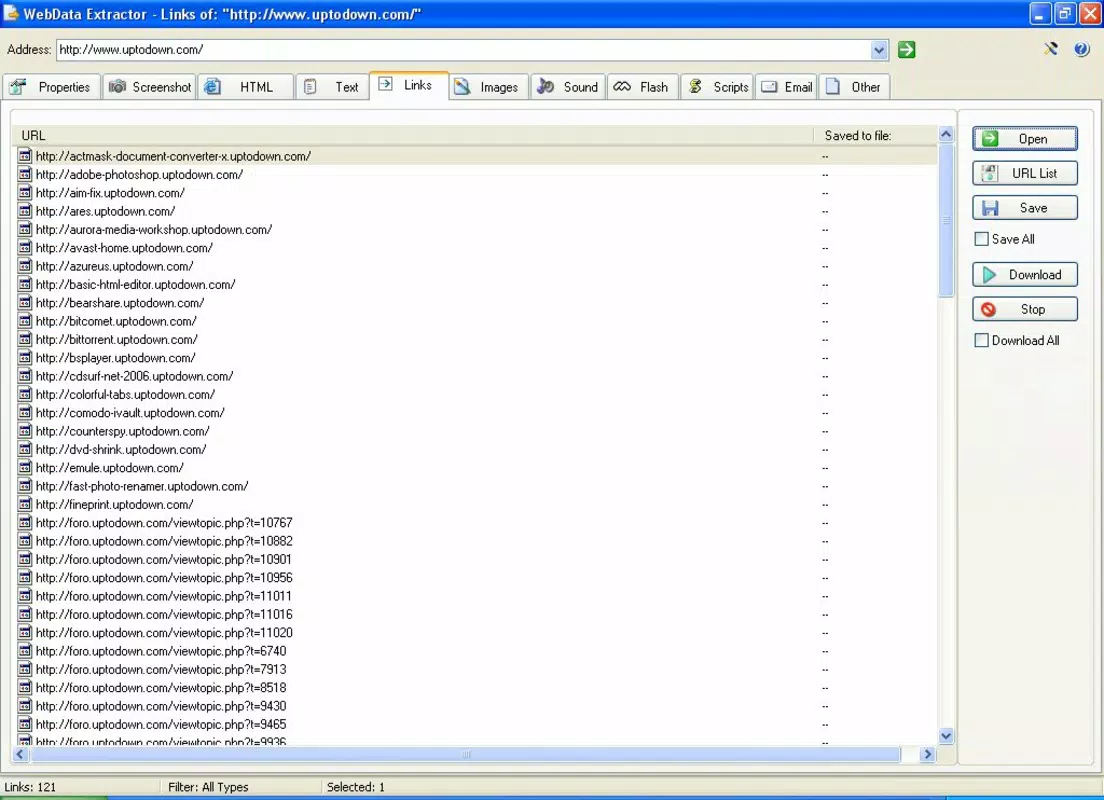
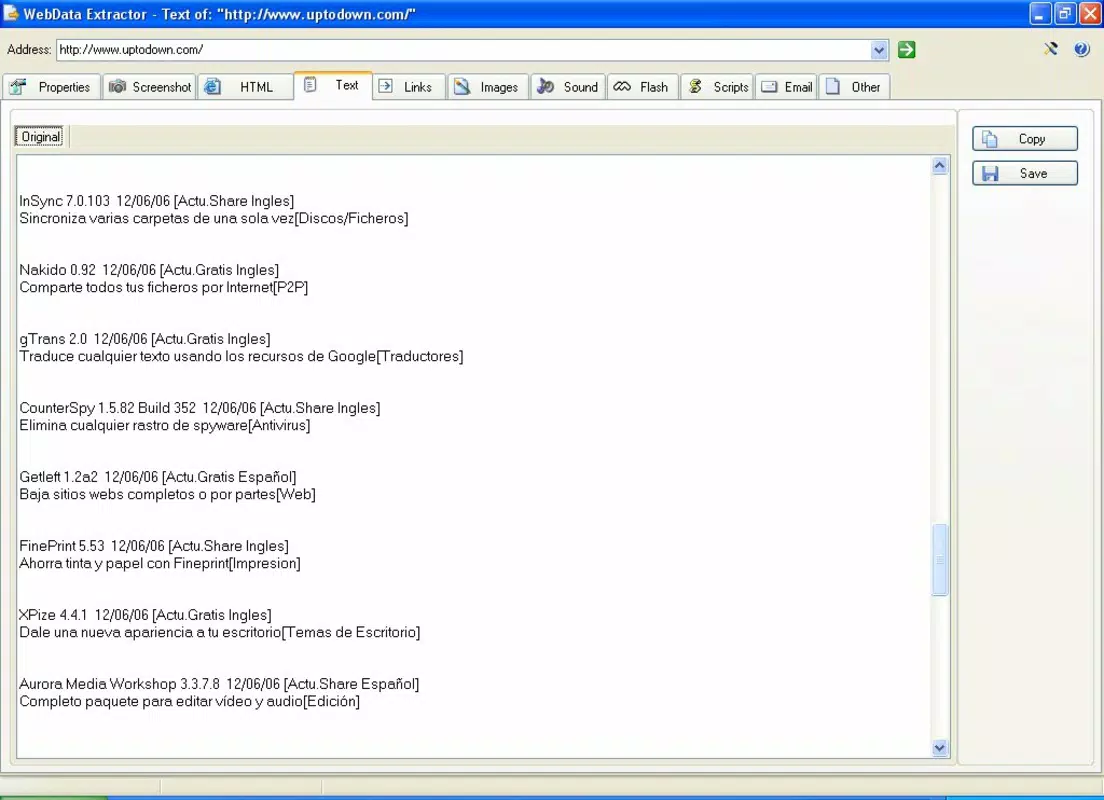
- User-Friendly Interface: The application features a clean, tab-based layout that categorizes extracted data into distinct sections—images, text, links, and other content. This design allows users to switch between data types effortlessly, improving navigation and reducing clutter. The interface is accessible to both beginners and advanced users, minimizing the learning curve.
- Comprehensive Data Extraction: WebData Extractor supports the retrieval of multiple content types from websites, including full HTML source, embedded media, and hyperlinks. This broad capability ensures that users can gather a complete snapshot of a webpage’s content, which is essential for thorough research or documentation.
- Resource Efficient Operation: Designed to run in the background with minimal impact on system performance, the tool remains active without consuming significant CPU or memory resources. It can be minimized to the taskbar, allowing users to continue working on other tasks while data collection proceeds.
- Keyboard Shortcuts: The app includes customizable keyboard shortcuts that enable faster execution of common actions. These shortcuts improve workflow efficiency, particularly for users who perform frequent extractions and prefer rapid access to features.
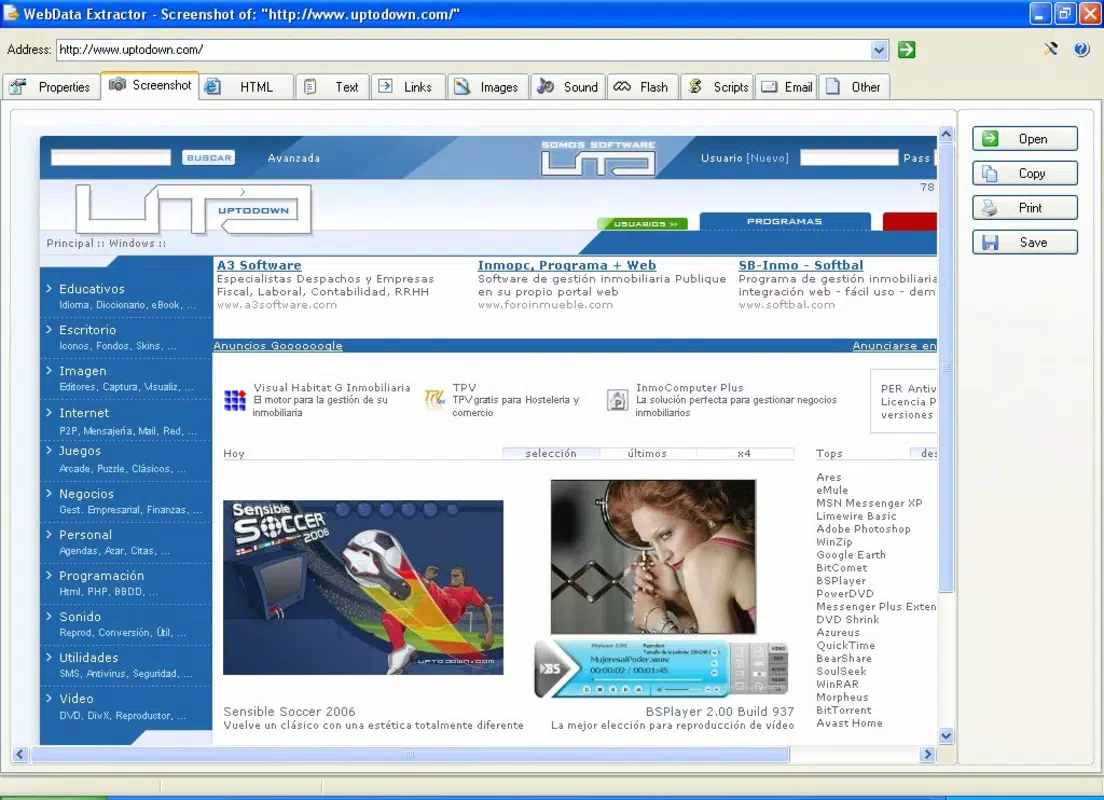
- Screen Capture Functionality: One of the app’s standout features is its ability to capture full-page screenshots of websites directly through the interface. This feature complements text and link extraction by preserving visual context, which is crucial for projects requiring both textual and graphical data.
For example, a student compiling sources for a thesis might use the tool to extract key passages, save relevant images, and take screenshots of reference pages—all within a single session. Similarly, a marketer could gather competitor content, including product descriptions and visuals, to analyze trends. The integration of visual and textual data collection enhances the depth and accuracy of the final output.
Interface, UX & Performance
The user interface of WebData Extractor is designed with clarity and functionality in mind. It employs a tabbed navigation system that separates data types, allowing users to switch between images, text, links, and other content without confusion. The visual layout is minimalistic, focusing on usability rather than decorative elements, which contributes to a distraction-free experience.
Navigation is intuitive, with consistent placement of controls and clear labeling. Users can initiate extraction with a single click, and the results are displayed immediately in the appropriate tab. The app’s responsiveness is notable, with minimal lag during data retrieval and processing. Although the developer did not list formal performance metrics, the app’s ability to operate in the background suggests optimized code and efficient memory handling.
Performance across different device categories is not explicitly documented. However, the low resource consumption implies that it should function smoothly on a wide range of systems, including those with limited processing power. Stability appears to be a strength, given the app’s long-standing presence since 2012. No reports of crashes or freezes were provided, and the interface remains consistent across sessions.
Platform Compatibility & Technical Requirements
WebData Extractor is available for desktop platforms, though the specific operating system was not listed. The application’s file size is not disclosed, and no minimum OS requirements were specified. The version number and release date are known: the latest version was released on March 30, 2012.
The developer did not provide additional technical details, such as compatibility with modern operating systems or hardware specifications. As a result, users should exercise caution when installing on newer systems, as potential compatibility issues may arise. The lack of updated release information suggests that the app may not receive regular updates or support for current platforms.
Pros and Cons
- Intuitive tab-based interface for organized data access
- Supports extraction of multiple content types, including images and HTML
- Runs efficiently in the background with minimal system impact
- Includes keyboard shortcuts for faster workflow execution
- Offers built-in screen capture functionality for visual data collection
- Release date indicates the app is over a decade old; may lack modern features
- Compatibility with current operating systems is not confirmed
- No official updates or support information available
- File size and system requirements were not disclosed
- Not available for mobile platforms as per current information
FAQ
Is WebData Extractor available for Android or iOS?
The developer did not specify mobile availability. The application appears to be designed for desktop use, and no official versions for Android or iOS were mentioned.
Can I use WebData Extractor to extract data from any website?
Yes, the app is designed to extract data from various websites. However, the actual success may depend on the site’s structure, security measures, and terms of service.
Does WebData Extractor require an internet connection?
Yes, an active internet connection is required to access and extract content from websites.
Is the app safe to download and install?
While the app has been in use since 2012, users should ensure they download it from a trusted source. The developer did not provide official distribution channels.
Are there regular updates for WebData Extractor?
There is no indication of recent updates. The last known release was in 2012, and no information about future updates was provided.
Final Thoughts
WebData Extractor remains a functional tool for users seeking a straightforward way to extract and organize web content. Its clean interface, multi-format extraction, and background operation make it a practical choice for researchers, marketers, and content creators who value efficiency and simplicity. While its age raises concerns about compatibility and modern features, its core functionality continues to serve niche needs effectively.
For those who prioritize lightweight, no-frills data collection without the complexity of advanced tools, WebData Extractor offers a reliable, if outdated, solution. However, users should carefully assess compatibility with their current systems before installation. Given the lack of recent updates, it is best suited for legacy environments or specific use cases where modern alternatives are not required.
Download WebData Extractor now


